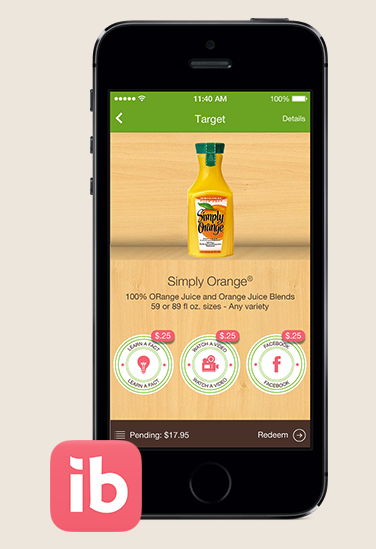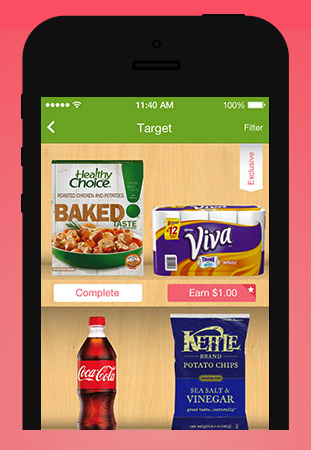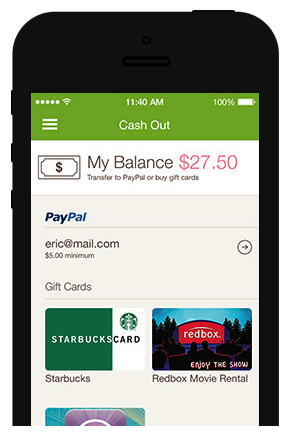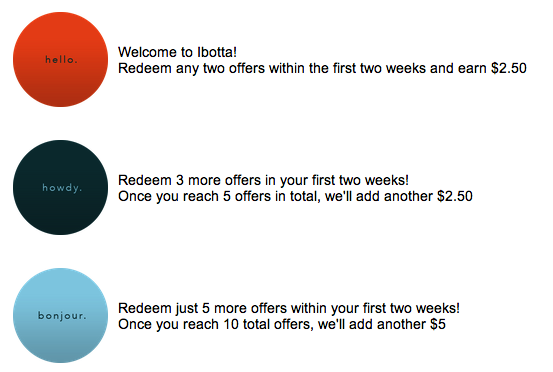

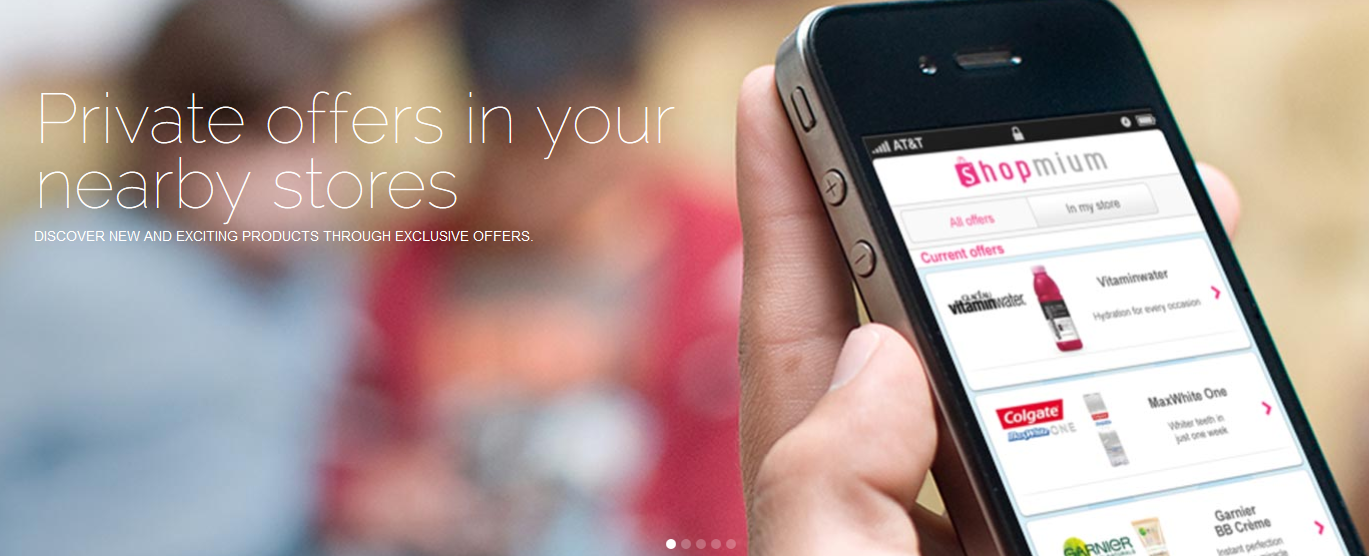
Shopmium is newer and I am slightly slow at telling you about it! As if ibotta and Checkout 51 weren’t enough, Shopmium is a tool that you’ll love too. I do!
What do I need to make Shopmium work?
- Shopmium is compatible with iPhone 3GS, 4, 4S, 5 and 5S and requires iOS 6.0 or later.
- Shopmium is compatible with smartphones running Android 2.3.3 and up.
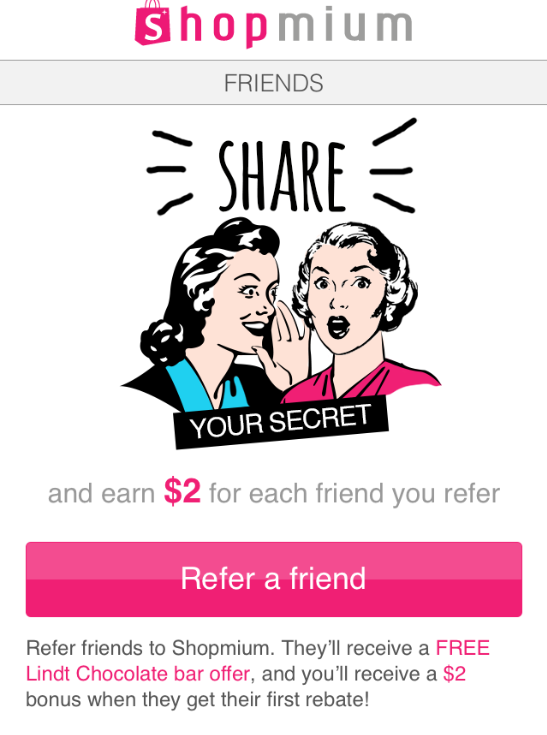
And for a limited time, download the Shopmium App and enter my referral code MCFFYARV and you’ll get a FREE Lindt Chocolate Bar. Plus, refer your friends to join Shopmium and you’ll receive a $2 bonus when they get their first rebate.
 How Does Shopmium Work?
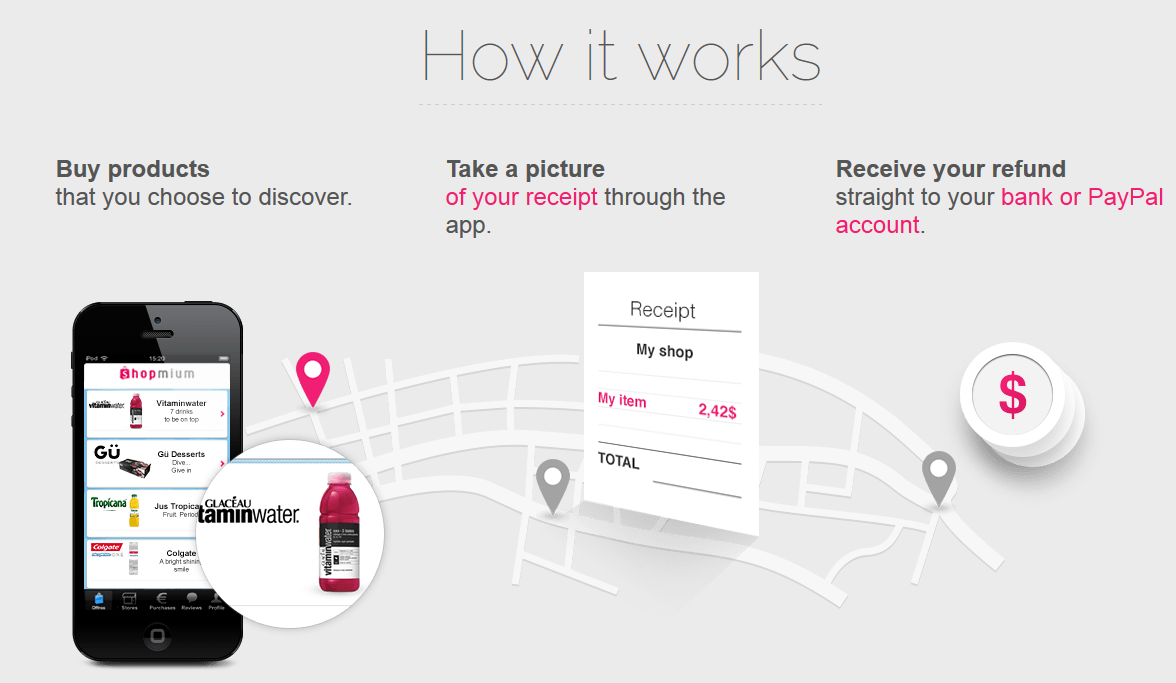
- In the app, you can access offer details by clicking on the offer, and then on the Discover this offer pink button. You can find specific information as well as if your store even offers the product.
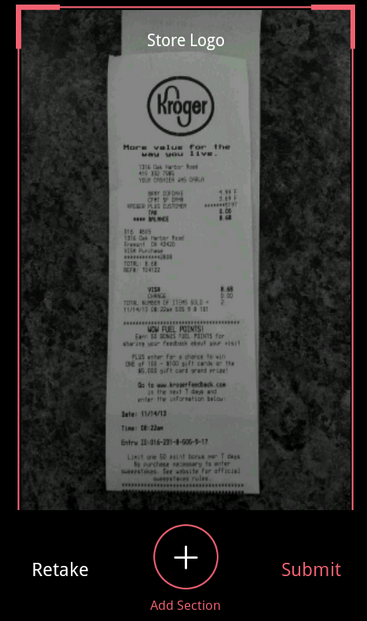
- Head to Kroger (or a store of your choice) and purchase the offer product and just like Ibotta you can scan the product to make sure you are purchasing the correct one. But don’t forget that receipt because you’ll need to take a picture using your phone.
- After you have left the store, click the offers tab, locate what you just purchased and then click the Request My Rebate button. You will then need to scan the bar code of the item and then take a picture of the receipt and submit.
- You will get your money back via Paypal.
Ready to begin?
Download Shopmium, and enter code MCFFYARVand start searching for items you use or would like to try.