

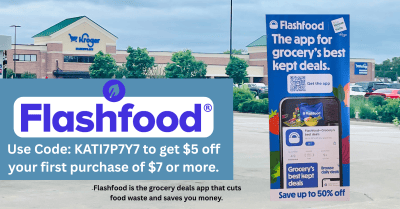
If you’re not using Flashfood yet… you’re leaving easy savings sitting in the store.
Flashfood is a free app that lets you buy groceries at deep discounts (often up to 50% off) because they’re close to their “best by” date… but still perfectly good to eat.
We’re talking produce, meat, deli, dairy, bakery… all the good stuff, just marked down so it doesn’t go to waste. Even better? It works with stores you already shop… including Kroger locations in some areas.
Before you get started, here’s a little bonus to make your first haul even better… you can use my referral code KATI7P7Y7 to get $5 off your first purchase of $7 or more. Just pop it in when you sign up or under the Rewards tab.
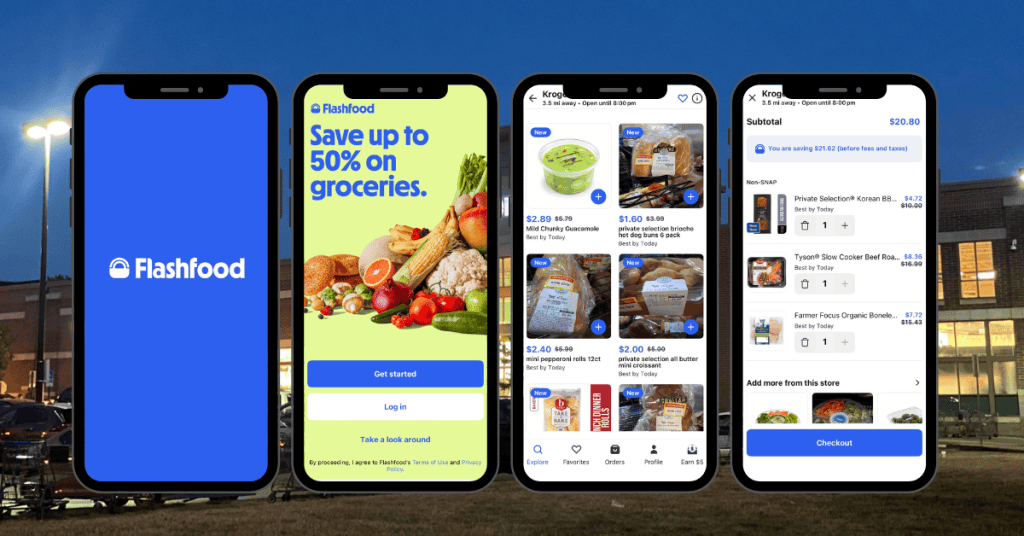
Now let’s get into how it all works…
Step 1: Download the app
Grab Flashfood from the App Store or Google Play and create a free account.
Step 2: Choose your store
Search your area and select a participating store (Kroger or others nearby).
Step 3: Browse discounted food
You’ll see a list of items the store marked down… usually:
- Meat
- Produce boxes
- Dairy
- Bakery items
Deals change constantly, so check back often.
Step 4: Pay in the app
Add what you want and check out right from your phone.
Step 5: Pick up in store
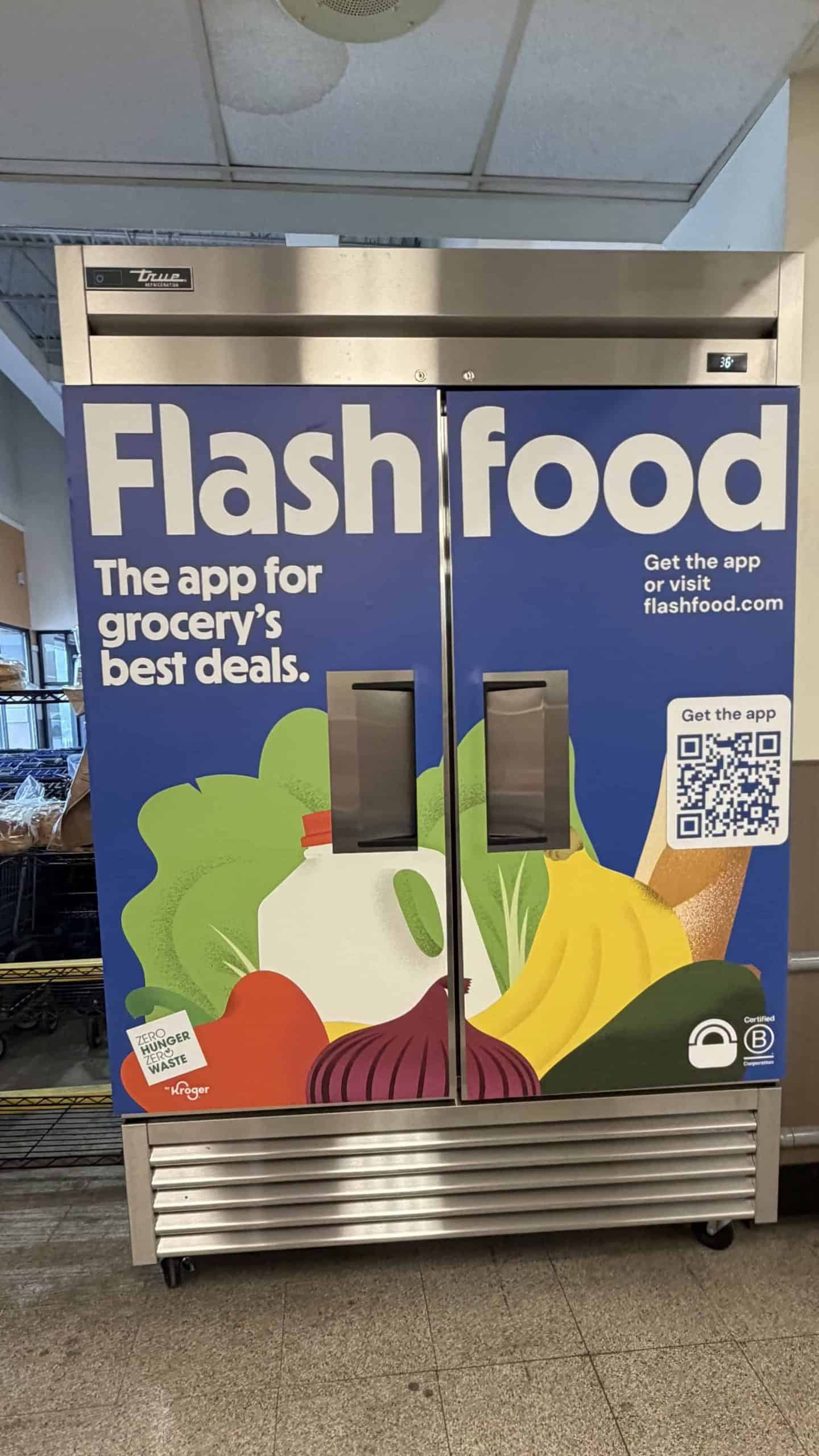
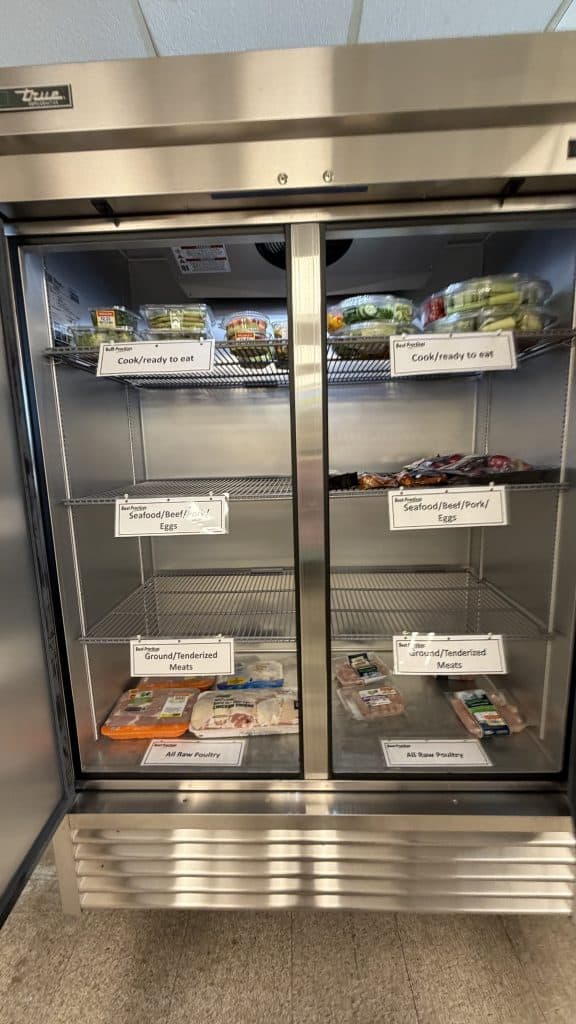
Head to the store and grab your order… usually at customer service or a designated pickup fridge (image shown below of what it will look like).
That’s it.
What Kind of Deals You’ll Find
This is where it gets fun.
You’ll typically see:
- Produce boxes for a few bucks
- Meat marked down by half
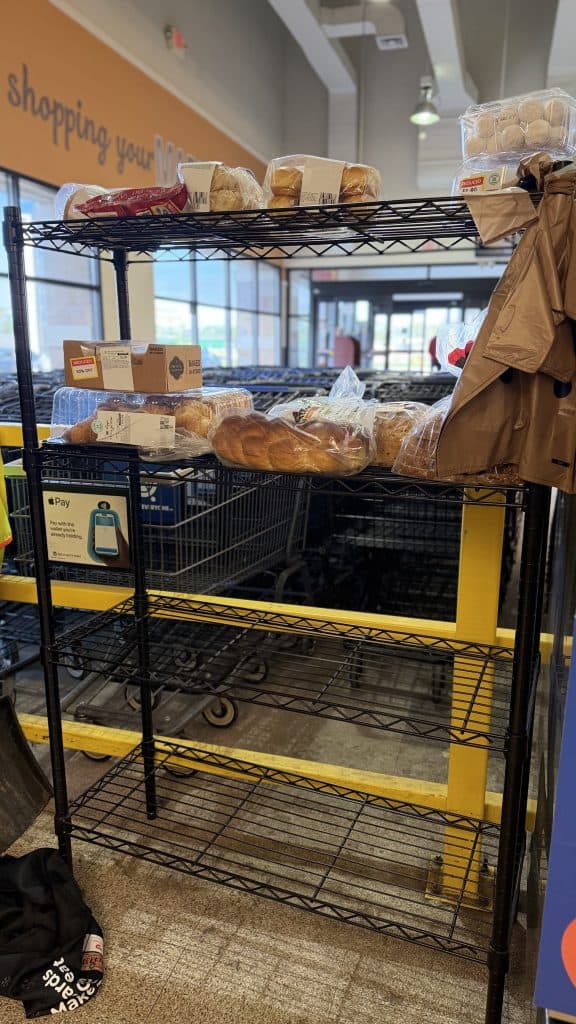
- Bakery items super cheap
- Random grocery finds that feel like a win
Some users report savings of hundreds (even over $1,000 a year) just from using the app regularly.
And yes… inventory changes daily, so it’s a “check often” situation.
Important Things to Know
Before you go all in, a few quick tips:
- Items are close to their best-by date
That’s why they’re discounted… use or freeze them soon. - Pickup windows matter
Most orders need to be picked up within a day or two. - Selection varies by store
Some stores load tons of deals… others, not so much. - You pay in the app
No paying at checkout inside the store.
Why This Works So Well for Kroger Shoppers
Here’s the real kicker…
Flashfood isn’t replacing your Kroger deals… it stacks alongside them mentally.
Think of it like:
- Your regular Kroger deals = planned savings
- Flashfood = surprise clearance finds you didn’t expect
It’s basically another “section” of deals… just living on your phone instead of the aisle.
If you love a good markdown, this is an easy add to your routine. Open the app, scroll for 30 seconds, grab what looks good… done.
And if your store participates, you’ll spot some seriously good finds.
I’d start checking it a few times a week… you never know what’s going to pop up.
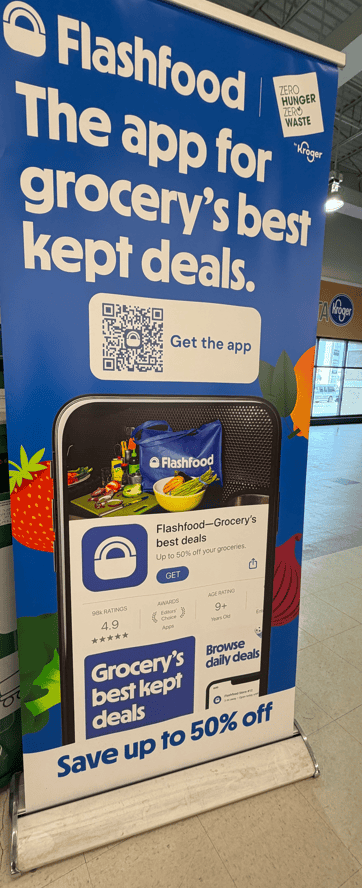
Check the locations first before downloading the app. Bummer, no location within 100 miles of Wichita. 🙁
How do you check locations with out down the app